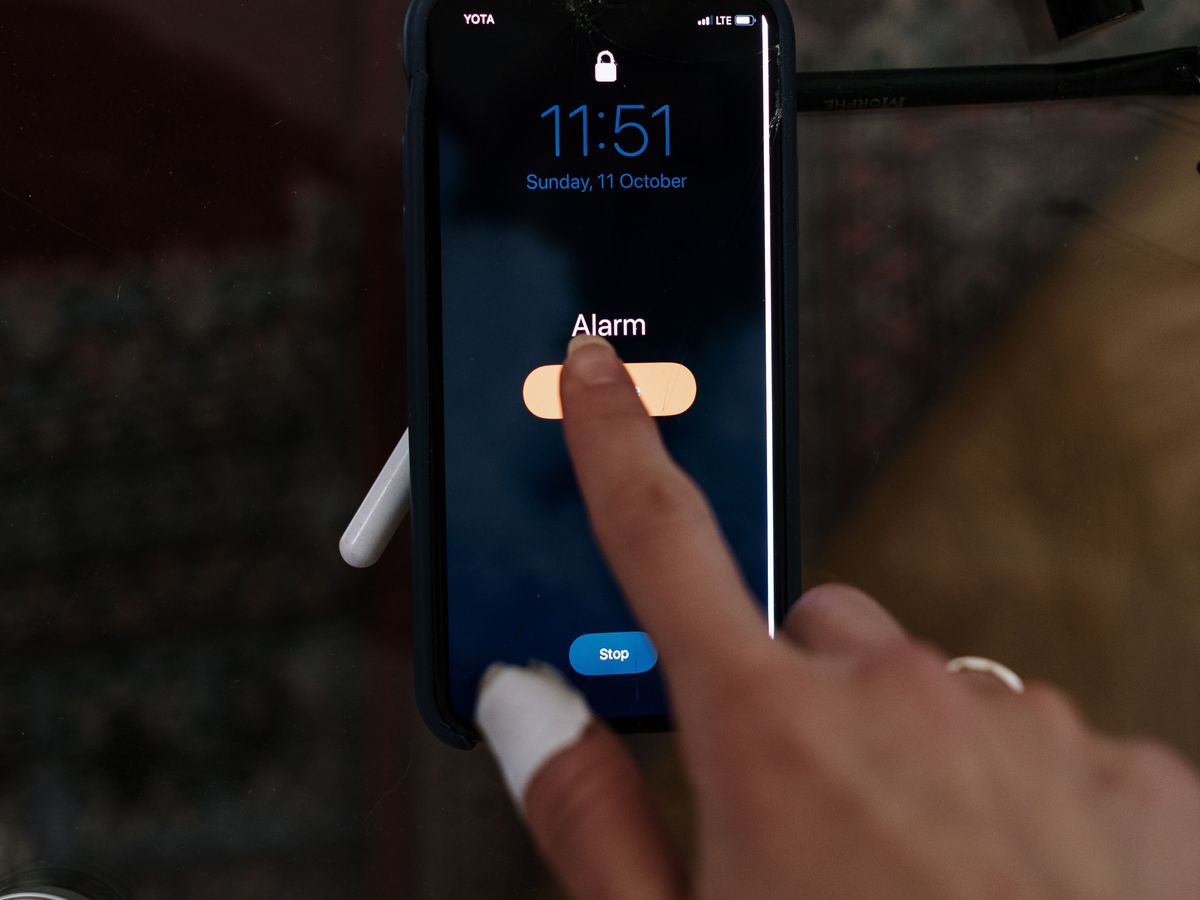
Just one more snooze
Your finger finds the snooze button before your eyes are even open. Five taps later you're awake, guilty and already behind.
A no-snooze alarm app for heavy sleepers who sleep through alarms.
Snooze buttons let you lie there and negotiate. Will-O-Wisp makes you move. Stick NFC stickers or QR codes around your home — or just use barcodes you already have — and when it rings, walk from tag to tag to switch it off. By the last tap you're upright, moving and properly awake.
Free on Google Play for Android, with 15 days of Pro free. No NFC? QR codes and barcodes work on every phone with a camera.
Ten more minutes rarely stays ten minutes. Here's what it quietly costs — and what you get back when you're up on time.
Your finger finds the snooze button before your eyes are even open. Five taps later you're awake, guilty and already behind.
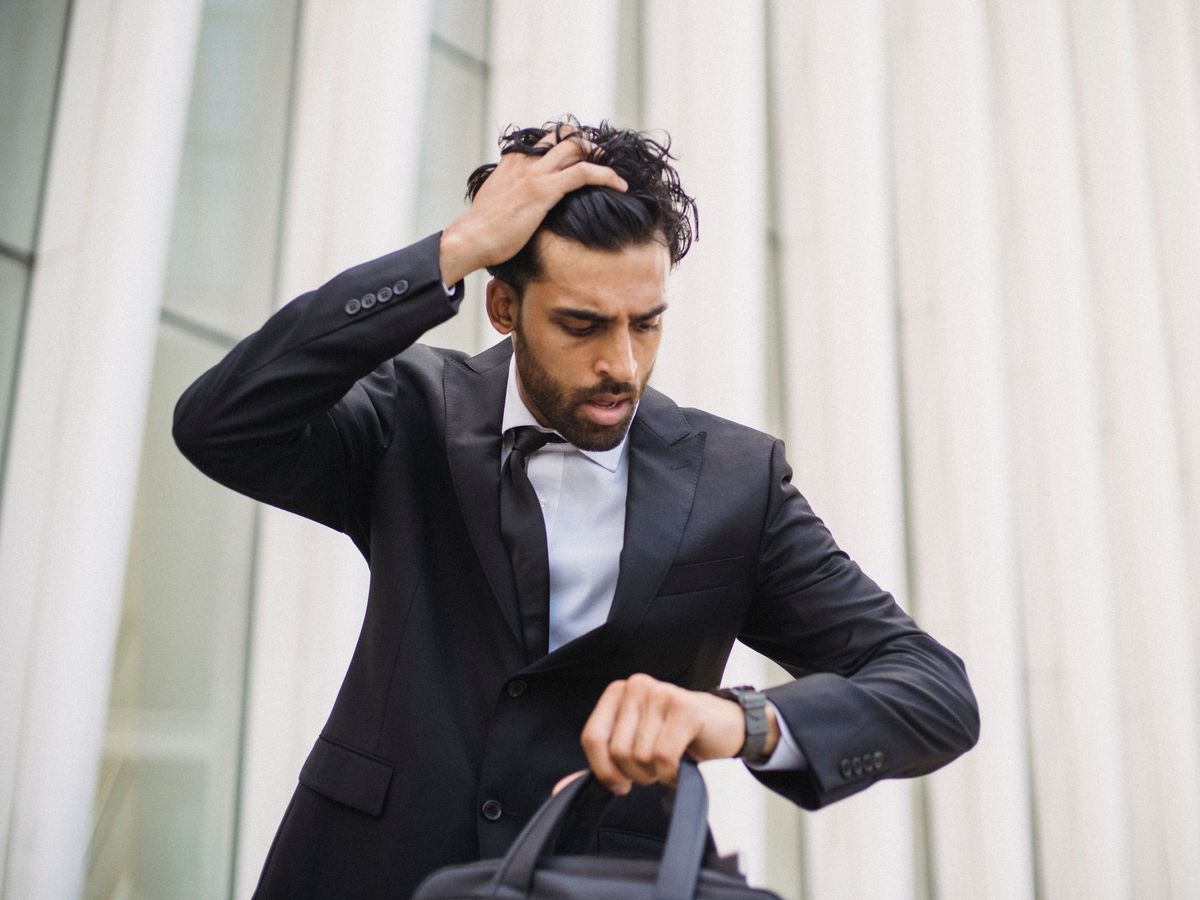
Hand in your hair, eyes on the watch. The meeting has started and you haven't even reached the building.

Laces tied while the street is still golden — that's the plan. Instead the snooze wins, and the run moves to tomorrow again.

Kick-off is minutes away. Your child keeps glancing towards the gate, hoping you made it this time.
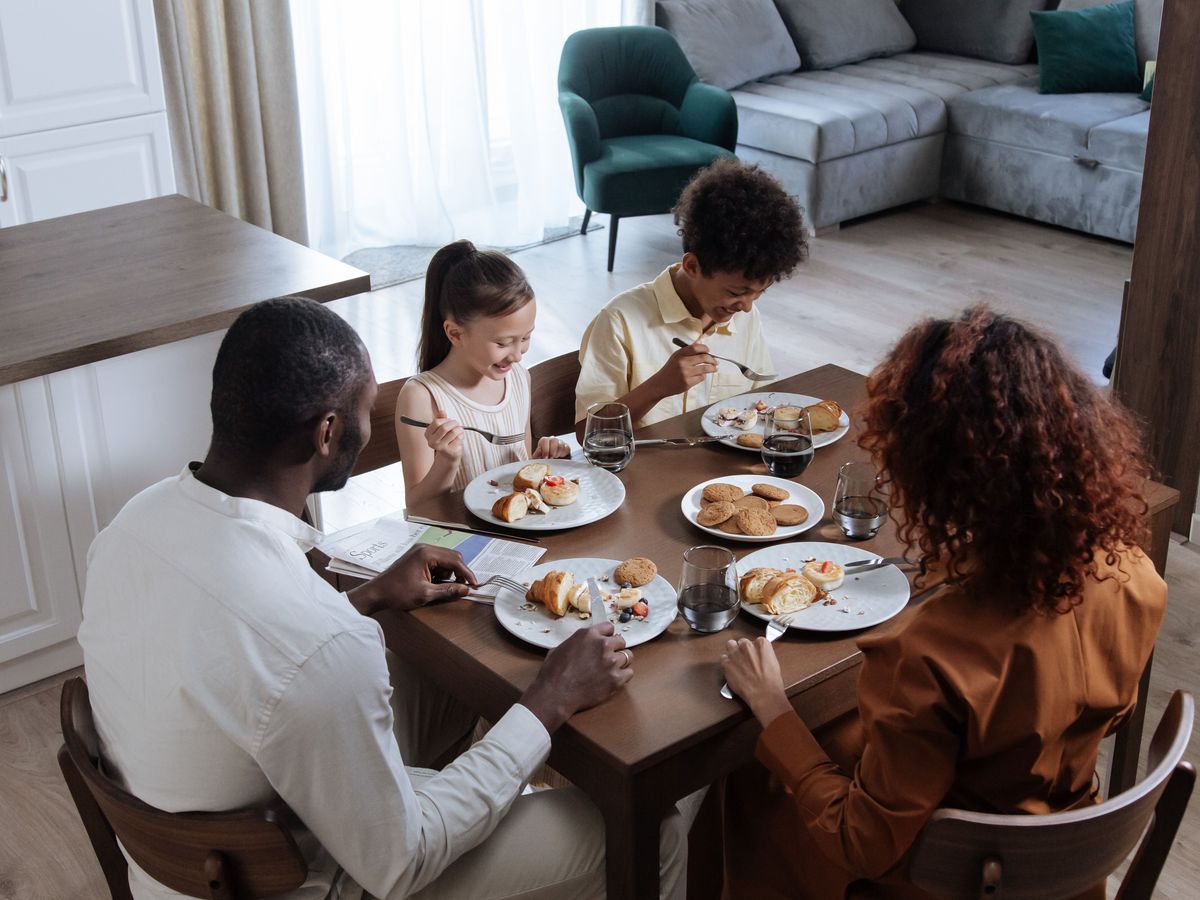
Laughing over a slow breakfast together, instead of a rushed bite and a shout from the door. That's a morning worth getting up for.

Kids sprinting up the steps as the bell rings, because the whole house woke up twenty minutes late.
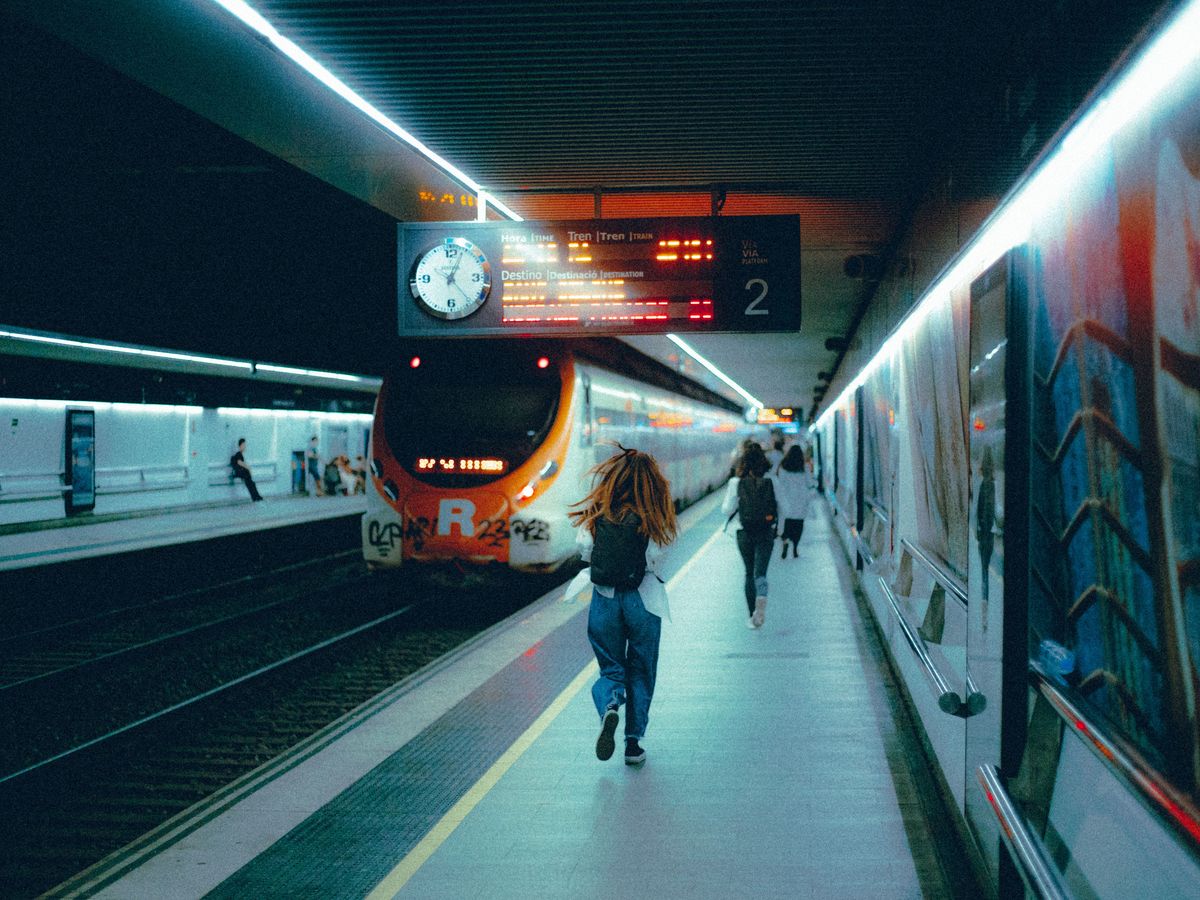
Bag bouncing, heart pounding, doors closing. One snooze turned an easy commute into a sprint down the platform.

A quiet desk, a cup of coffee, notes open before the house wakes up. Most days, the alarm has other plans.
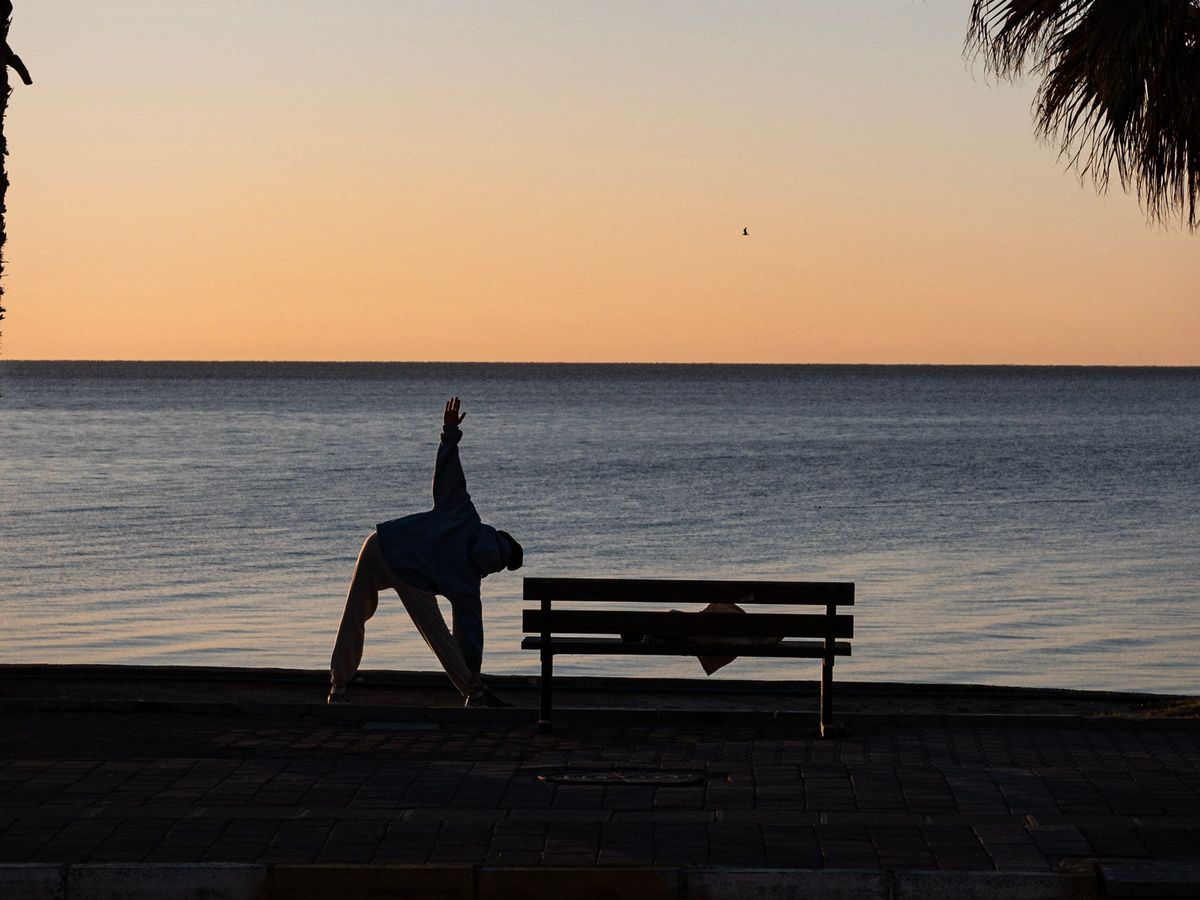
Stretching by the water while the world is still asleep — yoga, prayer or a slow walk. The part of the day that was meant to be yours.
Lying down, you can argue with any alarm. Standing up and walking, the argument is over. A short walk gets you upright, gets your blood moving and puts you in a lit room — and most people find the grogginess fades fast once they're on their feet.
Will-O-Wisp is built around that one idea. There's no snooze and no button to tap from bed. The alarm only stops when you've walked to every tag, so the first thing you do each morning is move.
No snooze button, no shaking your phone in bed. Just a short walk that wakes your body before your brain can argue.
Use NFC stickers, the app's printable QR codes, or barcodes on things you already own. Place them where you need to be in the morning — the bathroom door, a kitchen cupboard, the front door. Name each one in the app.
One alarm, set each night. A bedtime reminder nudges you to switch it on and tells you how much sleep you'll get.
When it rings, the app tells you which tag is next. Tap or scan them in order and the wisp swirls into a golden finish.
Do it once tonight. Tomorrow morning, you walk.
NFC stickers (NTAG213/215/216), the app's printable QR codes, or product barcodes.
Different rooms: bathroom door, kitchen cupboard, front door. Not on metal. First tag farthest from bed.
NFC: hold the sticker near the camera. Codes: tap Scan — the flashlight helps in the dark.
Tags tab → Add a tag → tap or scan → name it Kitchen, Door…
Normal gives 20 seconds of quiet after each tap. Crazy rings until the last tag.
It switches itself off every morning. A bedtime reminder nudges you.
Tap Test now and walk the whole trail, so you know every tag reads.
Follow the wisp from tag to tag. Last tap: Good morning — and a new badge.
Both modes need every tag. The difference is how much noise you get on the way.
Each correct tap silences the alarm. You have 20 seconds to reach the next tag before it starts ringing again.
For gentle, steady mornings.It keeps ringing the whole way. Only the last tag brings silence. Random order makes sure you can't plan a shortcut.
For the truly committed sleepers.The walk gets you up. Everything else helps you keep doing it.
Every full tag cycle fills a square. Eight weeks at a glance in the app, and on a home-screen widget with Pro. Pro users get streak freezes for the odd missed day.
Ten minutes before the alarm, your screen glows from deep red to warm gold, and the flashlight joins at the end — a gentler start before the walk.
An optional mini-game each morning — memory, maths or reaction — scored as your alertness percentage. "Filter-coffee fresh ☕" is the goal.
Keep one set of tags at home and another in your travel bag. Each alarm uses the set you choose.
Pick any alarm tone or your own audio file, fade the volume in gently, and let a voice call out the next tag — or switch it off.
Midnight Wisp is free. Pro adds Ember, Aurora, Royal and Dawn — each with its own coloured wisp.
Then every five days up to 90, and every twenty after that. Each one comes with a line worth sharing.
Every new account gets all of Pro free for 15 days: no card, no catch. After that, keep the basics free or stay Pro.
Everything you need to start walking.
Google Play shows the current price in your local currency before you subscribe. Subscriptions renew automatically and can be cancelled anytime in Google Play.
Try every Pro feature free for 15 days.

An NFC tag is a thin sticker, about the size of a coin, with a tiny chip and antenna inside. It has no battery and never needs charging. When you hold your phone close to it (about 1–3 cm), the phone powers it for a split second and reads its unique code — the same tap technology as contactless cards and metro cards. Will-O-Wisp simply remembers each sticker's code, so the alarm knows which one you tapped. Nothing is written to the sticker and no internet is needed. They come in packs and cost very little each.
NTAG213, NTAG215 or NTAG216 stickers all work, as do most other NFC stickers and key fobs. They are cheap and widely sold online. Stick them on wood, plastic, glass or painted walls — not directly on metal (fridges, kettles, steel frames), which blocks NFC unless the tag is sold as "anti-metal". Five tags is a good start; the app links to recommended ones for your country.
Yes. Use QR codes instead: print the 5 codes the app makes for you, or scan barcodes on things you already own — a toothpaste box, a cereal pack, a shampoo bottle. When the alarm rings, tap Scan and the flashlight switches on. Keep the real box or printout in another room; a photo of it by your bed defeats the point.
Not yet. Will-O-Wisp launches first on Android. An iPhone version is planned.
Keep a second set of tags in your bag and choose the Travel set for that night's alarm, or simply leave the alarm off. The alarm switches itself off after each morning, so it never rings by surprise.
Yes. It uses your phone's alarm channel and turns the alarm volume up while ringing. Follow the setup steps in the app so battery saving doesn't block it.
Your alarms, tags, streaks and badges are kept on your phone and backed up to your account, so a new phone or a reinstall doesn't lose them. We don't send marketing emails, and you can delete your account and its backup at any time. Read the privacy policy.
On Google Play for Android. It's free to download, and every new account gets all of Pro free for 15 days.
Purchases are made through Google Play and follow Google Play's refund policies. Write to us at willowispapp@gmail.com if something isn't working.
Questions, ideas, or something not working? We read every message and usually reply within a day or two.
Email willowispapp@gmail.comThe workout, the family breakfast, the match on the sideline. Get Will-O-Wisp free on Google Play and walk your way out of bed tomorrow.